Flatten
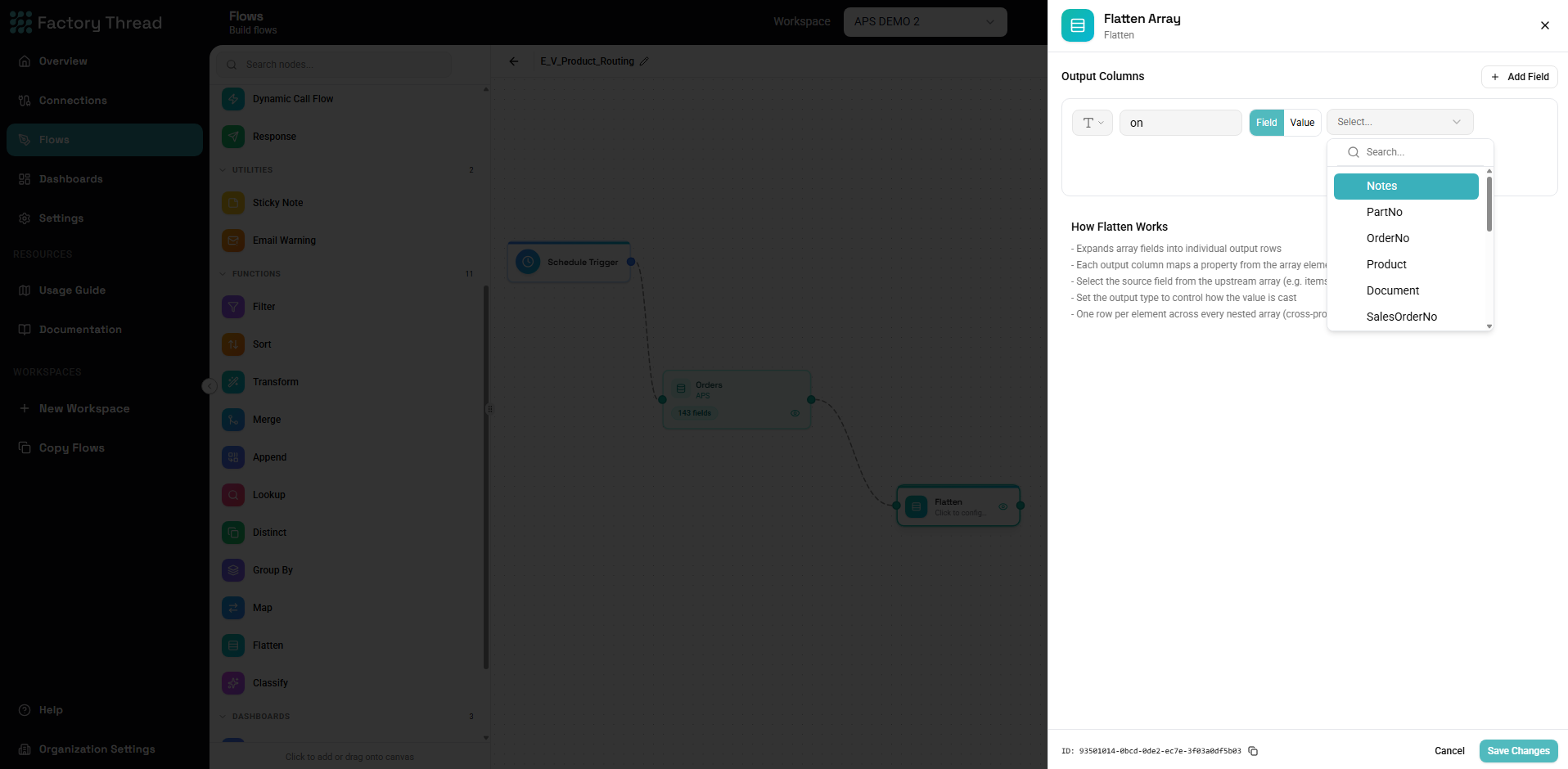
The Flatten node expands array values into individual rows. When an incoming row contains a field that is an array, Flatten produces one output row per element of that array, copying the row's other fields onto each one.
It is the natural counterpart to Map: Map builds nested arrays, while Flatten unpacks them back into flat rows.
When to use it
Nested data is common when reading from APIs, OData services, or JSON
documents. A single order might arrive as one record with a lineItems
array:
{
  "orderId": "SO-1001",
  "customer": "Acme",
  "lineItems": [
    { "sku": "A-1", "qty": 2 },
    { "sku": "B-7", "qty": 5 }
  ]
}
Flattening lineItems turns that one record into one row per line item, with
the order-level fields repeated:
| orderId | customer | sku | qty |
|---|---|---|---|
| SO-1001 | Acme | A-1 | 2 |
| SO-1001 | Acme | B-7 | 5 |
This is the shape most Function nodes, Responses, and Dashboards expect — flat rows, one record per line.
Adding a Flatten
- Drag Flatten from the Functions section of the Element Panel.
- Connect it to the upstream node that produces the nested data.
- Open the panel and choose which array field to expand. Nested arrays can be expanded too — each level multiplies the rows.
Things to keep in mind
- Row count grows. Flattening multiplies rows by the array length. A record with a 50-element array becomes 50 rows. Flattening several arrays multiplies their lengths together, so flatten only what you need.
- Empty arrays. A row whose array is empty or missing contributes no output rows for that branch.
- Order-level fields repeat. Fields outside the flattened array are copied onto every resulting row.