Message Trigger
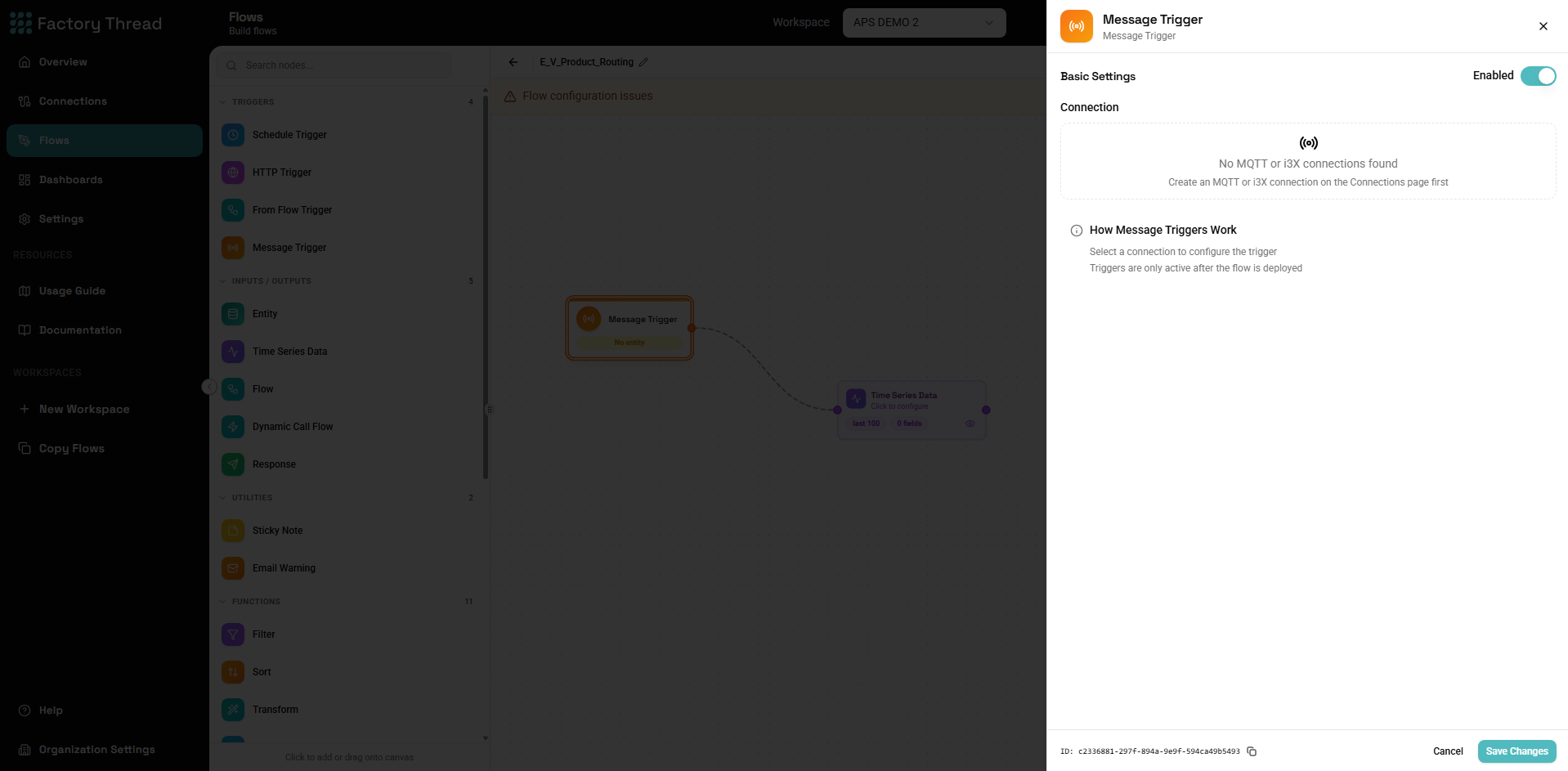
The Message trigger runs a Flow each time a message arrives on a topic it subscribes to. It's how you react to real-time events from the shop floor — an MQTT broker publishing sensor readings, for example.
The message's payload becomes the Flow's input, so the rest of the Flow can shape and route it just like any other data.
Setup
- Add a Message Trigger from the Triggers section of the Element Panel.
- Choose the connection to subscribe to. The Message trigger works with subscription-capable connections — MQTT brokers, and i3X / OPC UA sources.
- For MQTT, select one or more topics. FactoryThread discovers available
topics live so you can pick them from a tree. You can subscribe to a single
topic, or to a parent topic and all of its children (a
base/#wildcard). - Set the QoS (quality of service) level:
- 0 — At most once (fire and forget)
- 1 — At least once (default)
- 2 — Exactly once
- Choose the message format — JSON (default), Text, or Binary — to control how the payload is parsed into the Flow input.
The connection picks the broker; the trigger picks the topic. Which broker to reach is configured on the streaming connection; the topic and QoS live here on the trigger.
When it runs
The trigger fires once per inbound message on a subscribed topic, executing the published Flow with that message as input.
Like all triggers, a Message trigger is active only after the Flow is published. While you're editing, it doesn't subscribe.
Next steps
- Streaming Connections — configure the MQTT broker
- Schedule Trigger — run on a recurring schedule instead
- Building Flows — publish and run a Flow