Streaming Connections
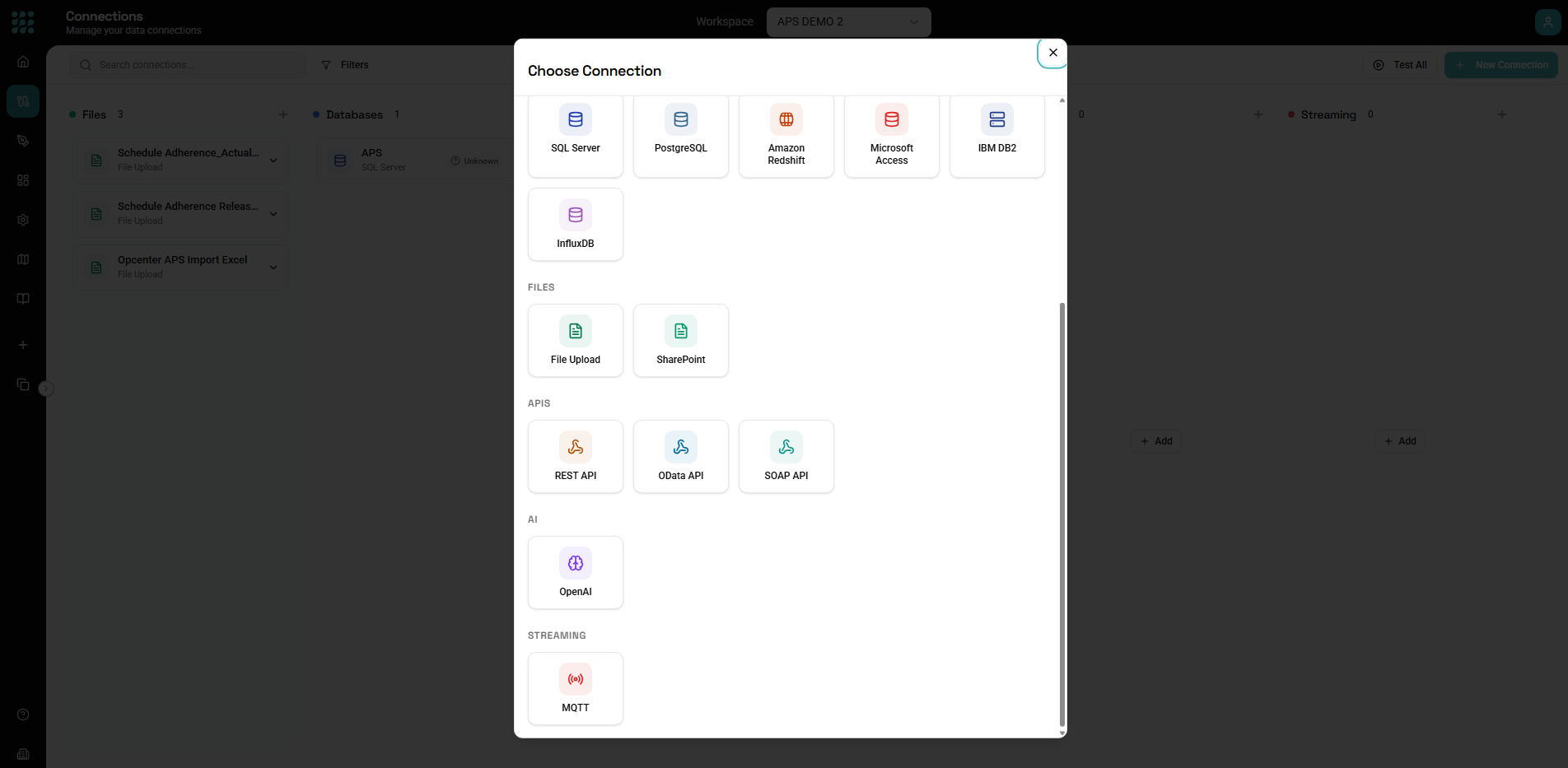
Streaming connectors subscribe to real-time message brokers. FactoryThread currently supports MQTT.
Unlike database or API connectors, a streaming connection has no entities to browse and nothing to read on demand — it's publish/subscribe. You use it with a Message trigger, which runs a Flow each time a message arrives on a topic you subscribe to.
MQTT
Connect to an MQTT broker.
Connection settings
- Host — the broker hostname (e.g.
broker.example.com). - Port — default
1883(plain) or8883(TLS). - Protocol —
mqtt(plain) ormqtts(TLS). - Username and Password.
- A connection Timeout.
Advanced settings
- Client ID — auto-generated if left blank.
- Clean Session — on by default.
- Keepalive — in seconds (default
60).
TLS (when Protocol is mqtts)
Provide the certificates as PEM text:
- CA Certificate (PEM)
- Client Certificate (PEM)
- Client Key (PEM)
Click Test Connection to confirm FactoryThread can connect to the broker.
Topics are set on the trigger, not the connection. The connection only says which broker to reach. The topic to subscribe to and the QoS level are configured on the Message trigger that uses this connection.
Next steps
- Connections Overview — creating, testing, and managing connections
- Triggers — run a Flow when a message arrives