Sharing & Access Control
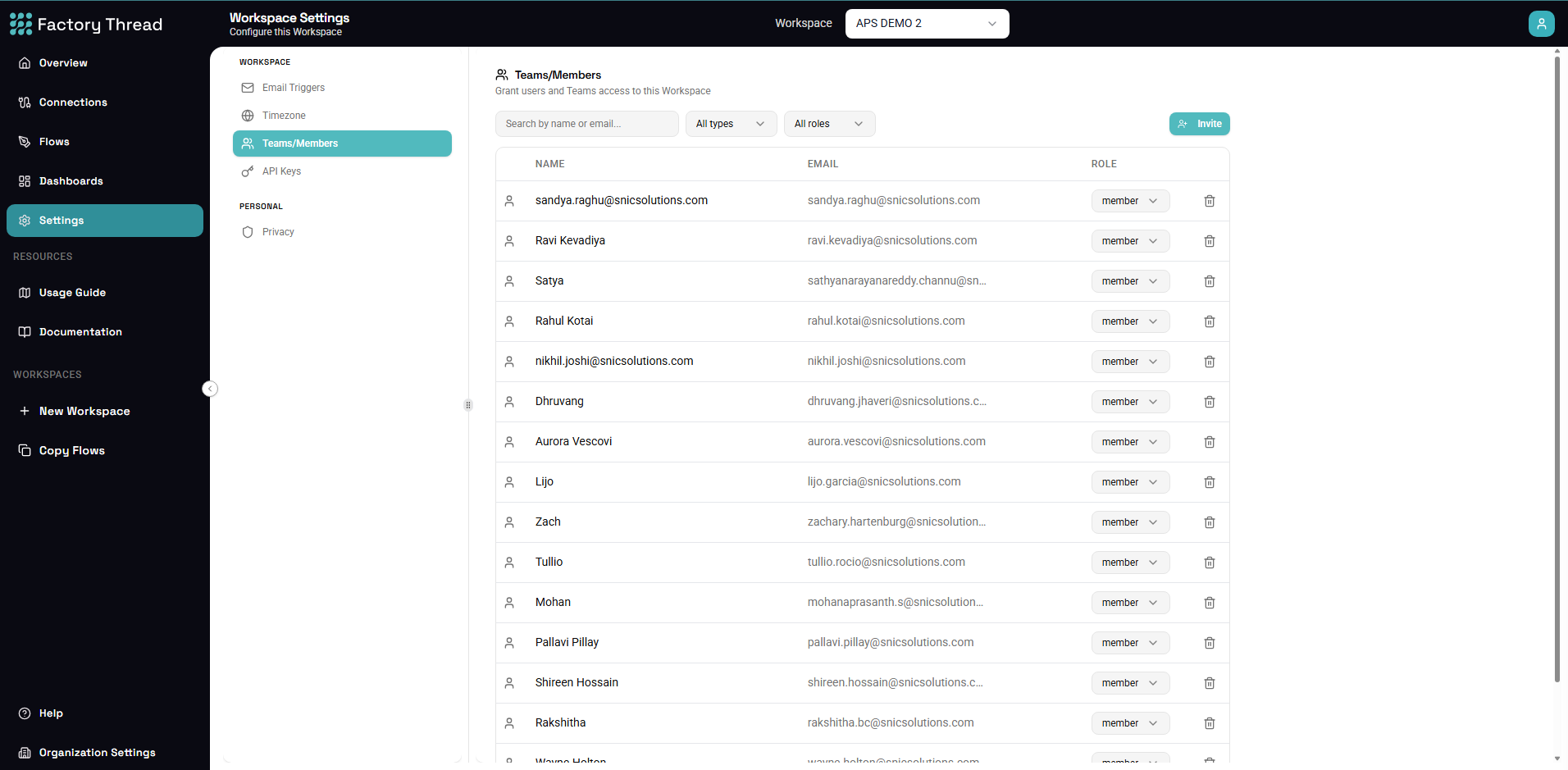
Access in FactoryThread is organized around two boundaries: your Organization (the top-level account) and the Workspaces inside it. Most access is granted at the Workspace level; dashboards can additionally be shared on their own.
Workspaces and roles
A Workspace owns a set of connections, flows, and dashboards. A person's role on a Workspace is one of three:
| Role | What it grants |
|---|---|
| Admin | Full use of every Workspace in the Organization. This isn't granted per Workspace — it's automatic for anyone with the Organization Admin role (see Organization Settings). |
| Member | Full use of the Workspace — see and use its connections, and create, edit, and publish its flows and dashboards. |
| Guest | The Workspace appears in their navigation, but they see only the specific resources shared with them individually. |
You grant member or guest to individual Users (or Teams); admin comes from the Organization role and applies to every Workspace at once.
Manage Workspace access in Workspace Settings → Members: invite an individual user or a whole Team, choose member or guest, and change or revoke it later. (Managing Workspace access requires administrator rights.)
Teams
A Team is a named group of users. Granting a Workspace to a Team gives every member of that Team the same access — the convenient way to manage access for a group rather than person by person. Teams are managed in Organization Settings → Teams.
Sharing a dashboard
A dashboard can be shared on its own, separately from the Workspace and the Flow behind it. A dashboard grant is view-only: the grantee sees the rendered charts and KPIs but not the underlying Flow, connections, or data. Unlike Workspace and Team management, Workspace members (not just admins) can share a dashboard. See Publishing & Sharing Dashboards.
How access adds up
- Connections aren't shared individually — access to a connection comes from being a member of the Workspace that owns it.
- A guest sees nothing in a Workspace until specific resources (such as a dashboard) are shared with them.
- A dashboard grant stands alone — the viewer needs no Workspace role and no access to the Flow.
Next steps
- Teams — create teams and manage their members
- Users — invite people to your Organization
- Publishing & Sharing Dashboards — view-only dashboard sharing