Publishing & Sharing Dashboards
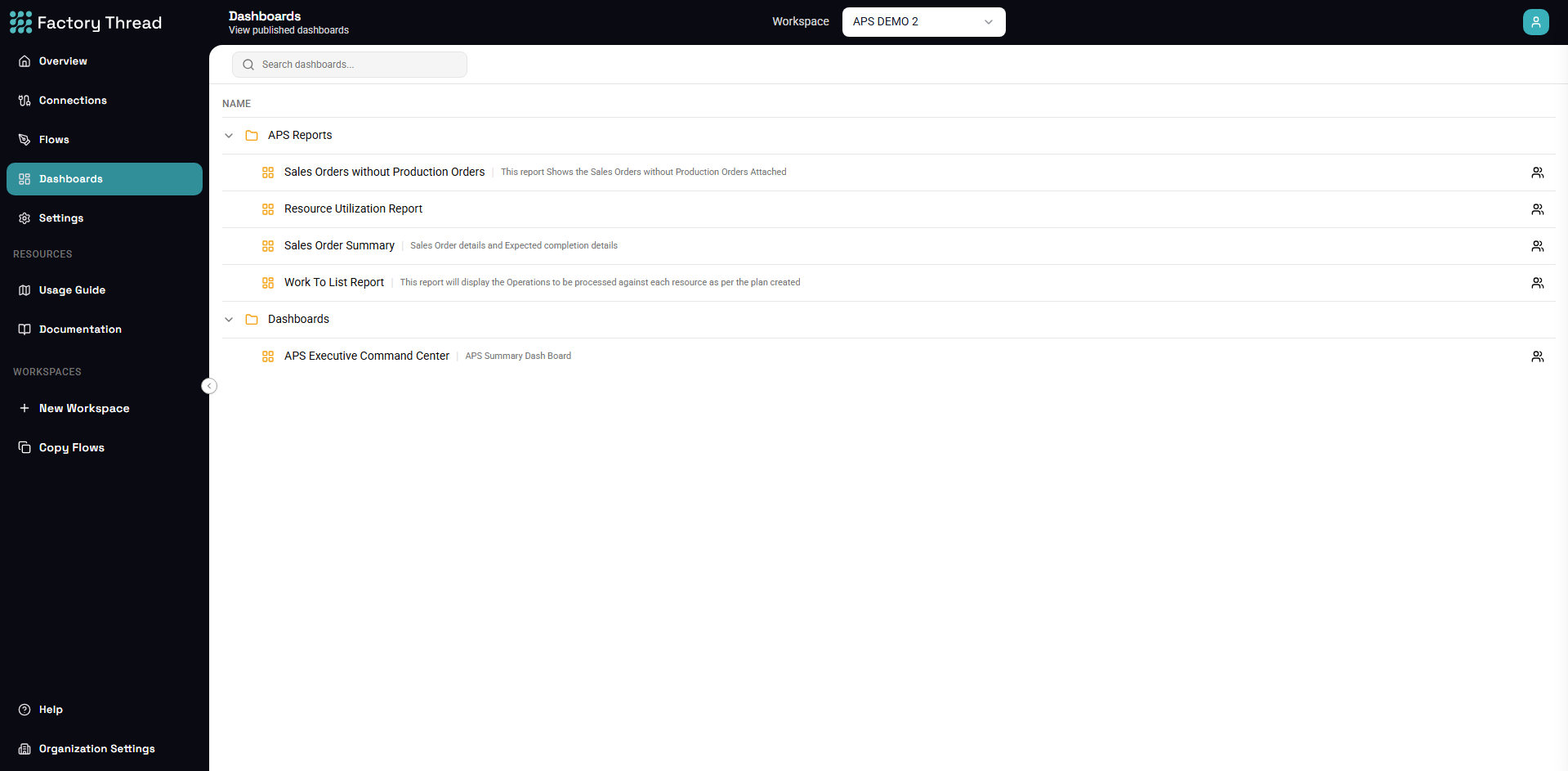
A dashboard is the rendered output of a Flow that contains dashboard nodes. Making it available to others is two steps: publish the Flow, then share the dashboard.
Publishing
Publish the Flow that contains your Visual (or Dashboard Layout) nodes, the same way you publish any Flow. Once published, the dashboard appears in the Dashboards list and renders its current data each time it's opened.
Sharing a dashboard
From the Dashboards list, open Manage access on a dashboard to grant it to specific people or teams.
The defining property of a dashboard grant is that it is view-only and self-contained:
- The grantee sees only the rendered dashboard — the charts, tables, and KPIs.
- They do not see the underlying Flow, its connections, or its entities.
- They need no workspace role and no access to the Flow — a dashboard grant stands on its own.
This makes a dashboard a safe way to share results with people who shouldn't see how the data is produced — a plant manager who needs the OEE numbers but not the queries behind them.
Who can share a dashboard
Workspace members (and administrators) can manage a dashboard's access. Sharing a dashboard does not require organization-admin rights, unlike managing Teams.
Next steps
- Dashboards Overview — build the charts, tables, and KPIs
- Sharing & Access Control — the full picture of grants, teams, and roles