AI Connections

AI connections enable integration with large language models (LLMs) and AI services. They power the AI node in your workflows, enabling intelligent text processing, analysis, and generation.

Supported Providers

ProviderModelsFeatures
OpenAIGPT-4, GPT-4 Turbo, GPT-3.5 TurboText, Chat, Embeddings
AnthropicClaude 3 Opus, Sonnet, HaikuText, Chat
Azure OpenAIGPT-4, GPT-3.5 (hosted on Azure)Text, Chat, Embeddings
CustomAny OpenAI-compatible APIVaries

Creating an AI Connection

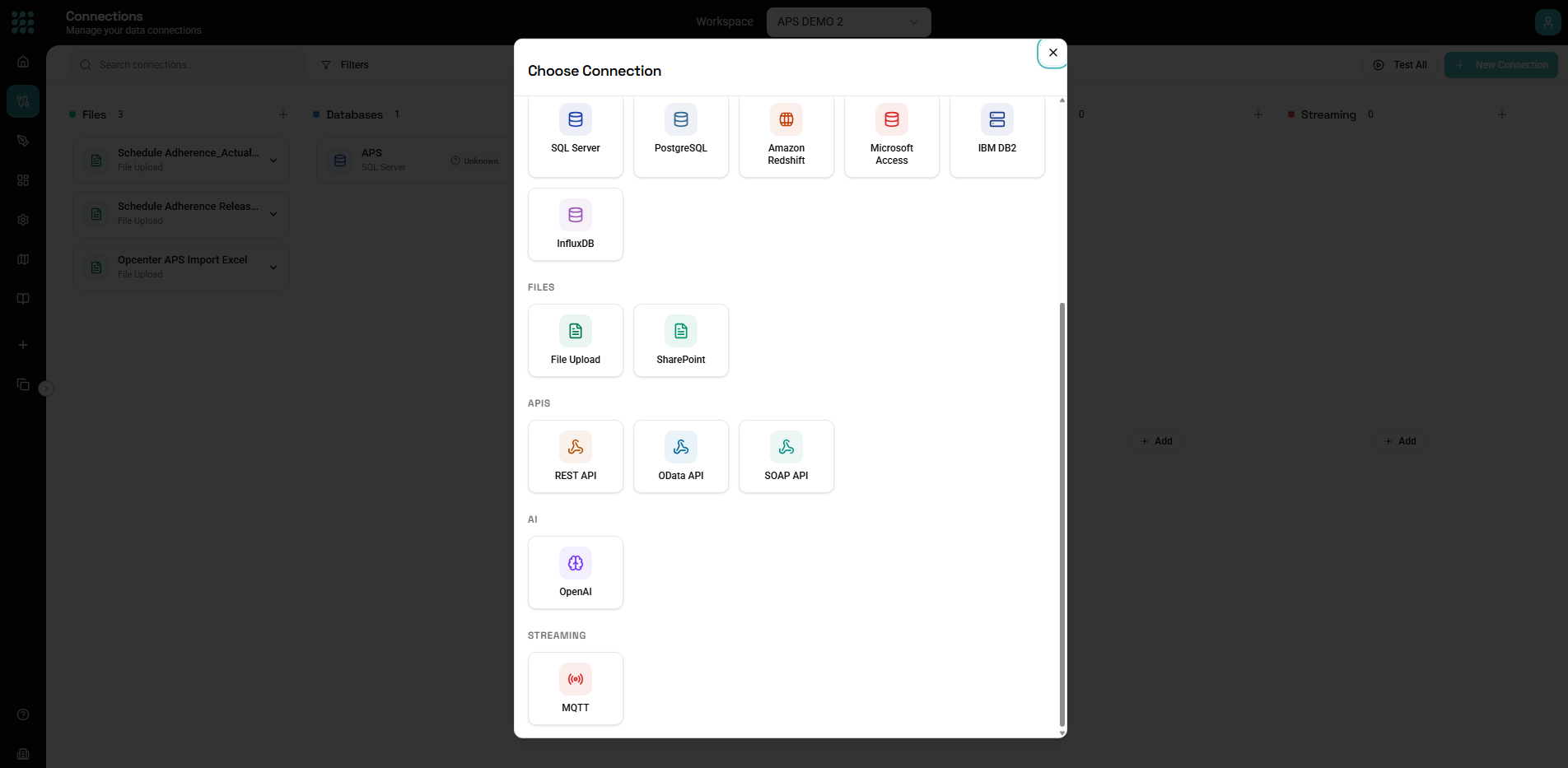
  1. Navigate to Connections in the sidebar
  2. Click New Connection
  3. Select the AI provider
  4. Configure API credentials and settings
  5. Test and save

OpenAI Configuration

Required Settings

SettingDescription
NameDisplay name for connection
API KeyYour OpenAI API key
Organization IDOptional organization identifier

Getting Your API Key

  1. Sign in to OpenAI Platform
  2. Navigate to API Keys
  3. Click Create new secret key
  4. Copy the key (shown only once)
  5. Paste into connection settings

Model Selection

Available models:

ModelBest ForSpeedCost
gpt-4oComplex reasoningMediumHigh
gpt-4-turboComplex tasksMediumMedium-High
gpt-4High-quality outputSlowHigh
gpt-3.5-turboSimple tasksFastLow

Default model: Select the model used when not specified in the AI node.

Advanced Settings

Base URL: Override for custom endpoints:

Default: https://api.openai.com/v1
Custom: https://your-proxy.com/v1

Request timeout: Maximum time for API response (default: 60 seconds)

Max retries: Number of retry attempts on failure (default: 3)

Anthropic Configuration

Required Settings

SettingDescription
NameDisplay name for connection
API KeyYour Anthropic API key

Getting Your API Key

  1. Sign in to Anthropic Console
  2. Navigate to API Keys
  3. Click Create Key
  4. Copy and save the key
  5. Paste into connection settings

Model Selection

Available models:

ModelBest ForSpeedCost
claude-3-opusHighest qualitySlowerHighest
claude-3-sonnetBalancedMediumMedium
claude-3-haikuFast, simple tasksFastestLowest

Advanced Settings

Max tokens: Default maximum response length (can be overridden per request)

Anthropic version: API version header (usually auto-configured)

Azure OpenAI Configuration

Required Settings

SettingDescription
NameDisplay name
EndpointAzure OpenAI resource endpoint
API KeyAzure OpenAI API key
Deployment NameModel deployment name
API VersionAzure API version

Getting Azure Credentials

  1. Create an Azure OpenAI resource
  2. Navigate to Keys and Endpoint
  3. Copy Key 1 or Key 2
  4. Copy the Endpoint URL
  5. Note your deployment name

Endpoint Format

https://your-resource-name.openai.azure.com/

API Version

Use a supported version:

2024-02-15-preview
2023-12-01-preview
2023-05-15

Deployment Configuration

Azure requires model deployments:

  1. Deploy models in Azure OpenAI Studio
  2. Note deployment names
  3. Use deployment name (not model name) in connection

Custom/Self-Hosted LLMs

OpenAI-Compatible APIs

For models with OpenAI-compatible APIs:

SettingDescription
Base URLYour LLM endpoint
API KeyAuthentication key (if required)
ModelModel identifier

Supported providers:

  • Ollama
  • LM Studio
  • vLLM
  • Text Generation Inference
  • LocalAI

Example: Ollama

Base URL: http://localhost:11434/v1
API Key: (leave empty)
Model: llama2

Connection Settings

Rate Limiting

Configure to respect API limits:

Requests per minute: Maximum requests within a minute window.

Tokens per minute: Maximum tokens (input + output) per minute.

Cost Controls

Set spending limits:

Max cost per request: Fail requests that would exceed cost threshold.

Monthly budget: Track and alert on monthly spend.

Caching

Enable response caching:

Cache duration: How long to cache identical requests.

Cache scope:

  • Per workspace
  • Per flow
  • Disabled

Testing Connections

Test Connection

After configuration:

  1. Click Test Connection
  2. Sends a simple request
  3. Verifies credentials and connectivity
  4. Reports any errors

Test Prompt

Send a test prompt:

System: You are a helpful assistant.
User: Say "Hello, connection successful!"

Expected response: Confirmation message from the model.

Using AI Connections

In AI Nodes

Select the connection in AI node configuration:

Connection: OpenAI (GPT-4)
Model: gpt-4-turbo (override connection default)
Temperature: 0.7
Max Tokens: 500

Multiple Connections

Create multiple AI connections:

Use cases:

  • Different models for different tasks
  • Separate cost tracking
  • Development vs production
  • Fallback options

Security Best Practices

API Key Security

Do:

  • Store keys securely (system encrypted)
  • Use organization-specific keys
  • Rotate keys periodically
  • Monitor usage

Don't:

  • Share keys between environments
  • Expose keys in logs
  • Use personal keys for production

Data Privacy

Consider:

  • What data is sent to AI
  • Provider data retention policies
  • Compliance requirements (GDPR, HIPAA)
  • On-premise alternatives

Access Control

Recommendations:

  • Limit who can create/edit AI connections
  • Audit AI usage
  • Set spending limits
  • Monitor for anomalies

Cost Management

Understanding Costs

AI costs are based on:

  • Input tokens: Text sent to the model
  • Output tokens: Text generated by model
  • Model tier: GPT-4 vs GPT-3.5, etc.

Cost Optimization

Reduce input tokens:

  • Shorter prompts
  • Only necessary context
  • Summarize before sending

Reduce output tokens:

  • Request concise responses
  • Set max tokens appropriately
  • Use cheaper models for simple tasks

Monitor usage:

  • Track costs per flow
  • Set alerts for thresholds
  • Review usage patterns

Troubleshooting

Authentication Errors

"Invalid API key":

  • Verify key is correct
  • Check key hasn't been revoked
  • Ensure key has necessary permissions

Rate Limit Errors

"Rate limit exceeded":

  • Reduce request frequency
  • Implement delays between calls
  • Upgrade API tier if needed

Model Not Found

"Model not found":

  • Verify model name is correct
  • Check model availability in your region
  • Ensure model access is enabled

Timeout Errors

"Request timed out":

  • Increase timeout setting
  • Reduce prompt/response size
  • Check network connectivity

Context Length Errors

"Maximum context length exceeded":

  • Reduce input text
  • Summarize content first
  • Use model with larger context

Examples

OpenAI for Classification

Connection:

Name: OpenAI Classifier
Provider: OpenAI
API Key: sk-xxx...
Default Model: gpt-3.5-turbo

Usage: Fast, inexpensive classification tasks

Claude for Analysis

Connection:

Name: Claude Analyzer
Provider: Anthropic
API Key: sk-ant-xxx...
Default Model: claude-3-sonnet

Usage: Detailed analysis requiring nuance

Azure for Enterprise

Connection:

Name: Enterprise AI (Azure)
Provider: Azure OpenAI
Endpoint: https://company.openai.azure.com
Deployment: gpt-4-production

Usage: Enterprise compliance requirements

Next Steps