Assistant
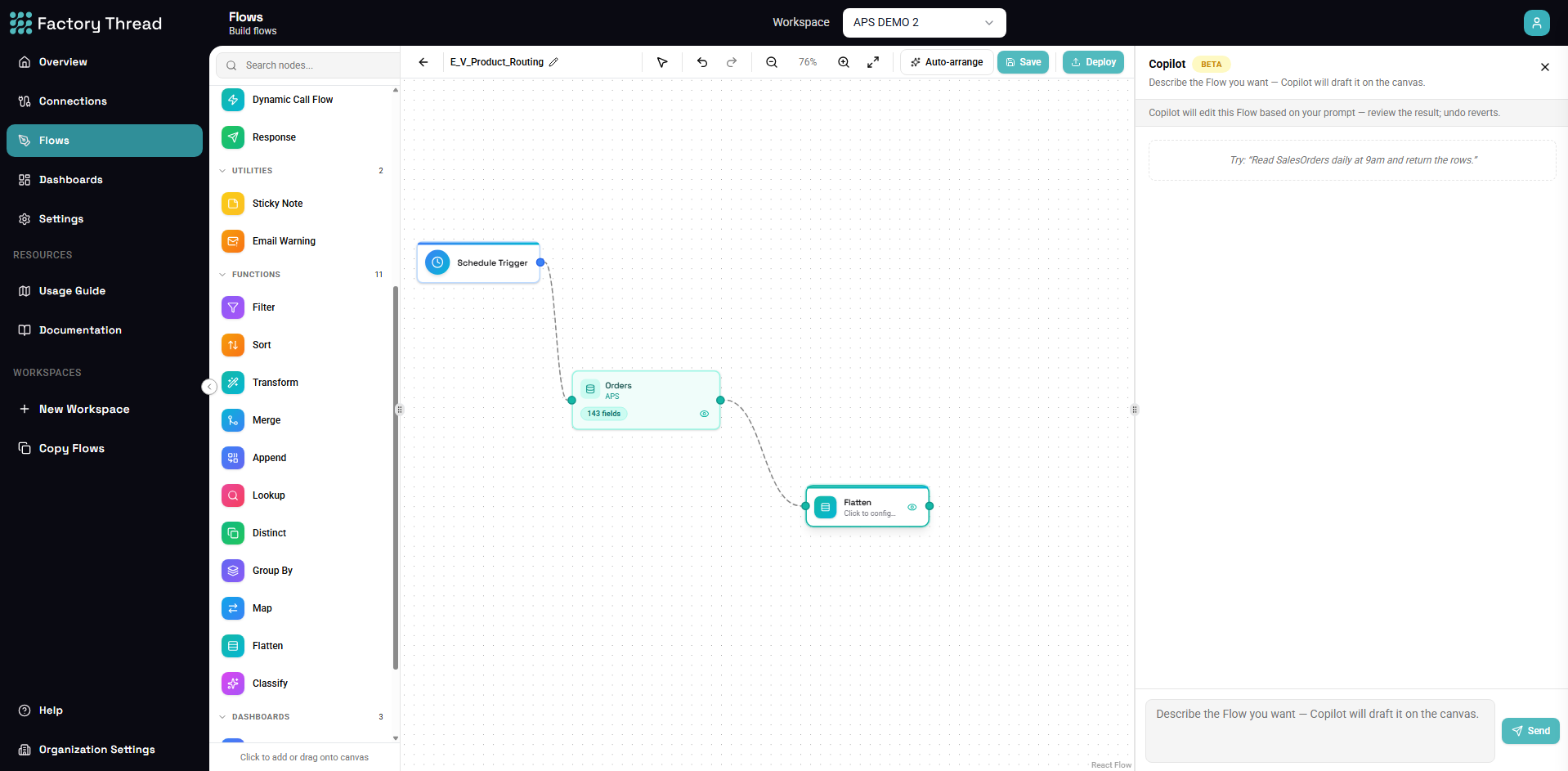
FactoryThread Assistant is the editor-time AI that helps you author faster. It shows up in two places:
- In the Designer — a chat panel that builds a whole Flow from a plain-language description.
- Inside a Formula node — an inline helper that turns a description into a single expression.
Same assistant, two surfaces. Both run only while you are editing. They produce ordinary Flow definitions and expression strings — exactly what you would have built by hand — so nothing about them runs when your Flow executes.
"AI" means three different things
FactoryThread uses AI in three distinct places. Keeping them straight avoids confusion:
| Feature | When it runs | What it is |
|---|---|---|
| Assistant (Designer panel or Formula node) | While you edit | Editor-time authoring help — generate a Flow or an expression. No AI at run time. |
| Classify (AI) node | At flow execution | A node inside a Flow that sends each row to an AI model to categorize it. |
| AI connection | — | The configured credentials for the AI provider that the Classify node uses. |
This page and its children cover the first row — the editor-time Assistant. The Classify node and AI connection are documented under Designer and Connections respectively.
What the Assistant can and cannot see
The Assistant works from structure, not your data:
- It can see your Flow, and the entities and field definitions in your connections (so it can wire real sources, and knows which fields exist when writing an expression).
- It does not read the actual rows in your source systems. When the Assistant needs a specific value it cannot infer from structure alone — for example, which status code means "overdue" — it asks you rather than guessing.
This matches FactoryThread's data-virtualization model: your business records stay in your source systems and are not sent to the AI provider for authoring help.
Next steps
- Assistant — build a Flow from a description
- Assistant in a Formula node — write expressions in plain language