Assistant in a Formula node
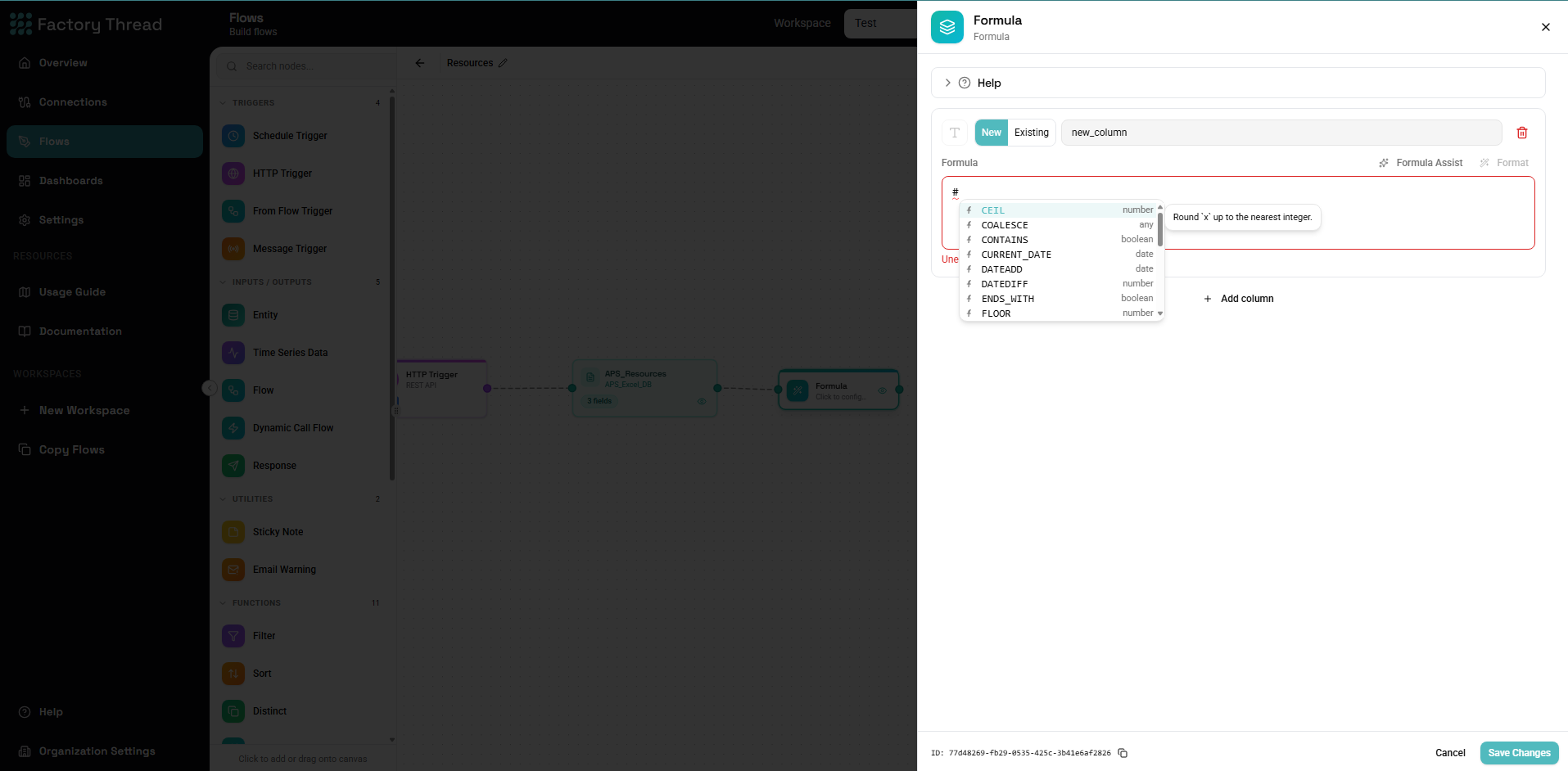
This is the Assistant appearing inline inside a Formula node — not a separate product. Describe the value you want in plain language and it writes the expression for you, which you can then read, edit, and keep.
In the Formula node the control is labelled Formula Assist. It works on one output field at a time, alongside the field's expression input.
Using it
- Add or select an output field in the Formula node.
- Click Formula Assist and describe the value — for example "revenue minus cost as profit", or "the order date formatted as year-month".
- The Assistant inserts a generated expression into the field.
- Review and adjust it like any hand-written expression.
It has two modes, chosen automatically:
- Generate — when the field's expression is empty, it writes one from scratch.
- Edit — when there's already an expression, it rewrites it to match your new description.
How it stays accurate
Here the Assistant is grounded in the real expression language:
- It knows every built-in function and the strict-SQL grammar, so it only uses functions that actually exist.
- It knows which fields are available from the upstream nodes, so it references real columns.
- Every generated expression is checked before it's inserted — it must parse, use real functions, reference fields that exist, and type-check. If the first attempt fails a check, the Assistant corrects it once before giving you the best result.
It's authoring help only
The output is an ordinary expression string — identical to one you'd type yourself. There is no AI step when your Flow runs; the expression executes exactly like a hand-written one. The Assistant also never reads your data — it works from field definitions, not from the rows in your sources.
Next steps
- Formula — the node this lives in
- Expression Language — the language it generates
- Assistant — build a whole Flow from a description